Simple and cheap way to illuminate your smoke
This is my study of how to make cheap light on smoke. I calculate quasi normal from height-map and lit smoke with it. Also I am using distance from point scaling to add this shadowy middle of fx. Most of the work is done in shader. Height-map is generated in embergen ( depth pass) and tweaked in Houdini.
This breakdown is about showing cheap way of getting your smoke lit. I wanted to do everything in 1 pass and with minimal number of textures so I did not used normals or engine lit translucency.

I am using BP to set my light vector to separate it from directional. I noticed that 1 more thing to tweak is always useful.

This is part of BP that sets up whole light data. Vector, colour and intensity.

For 1st texture I used motion vectors from Embergen.
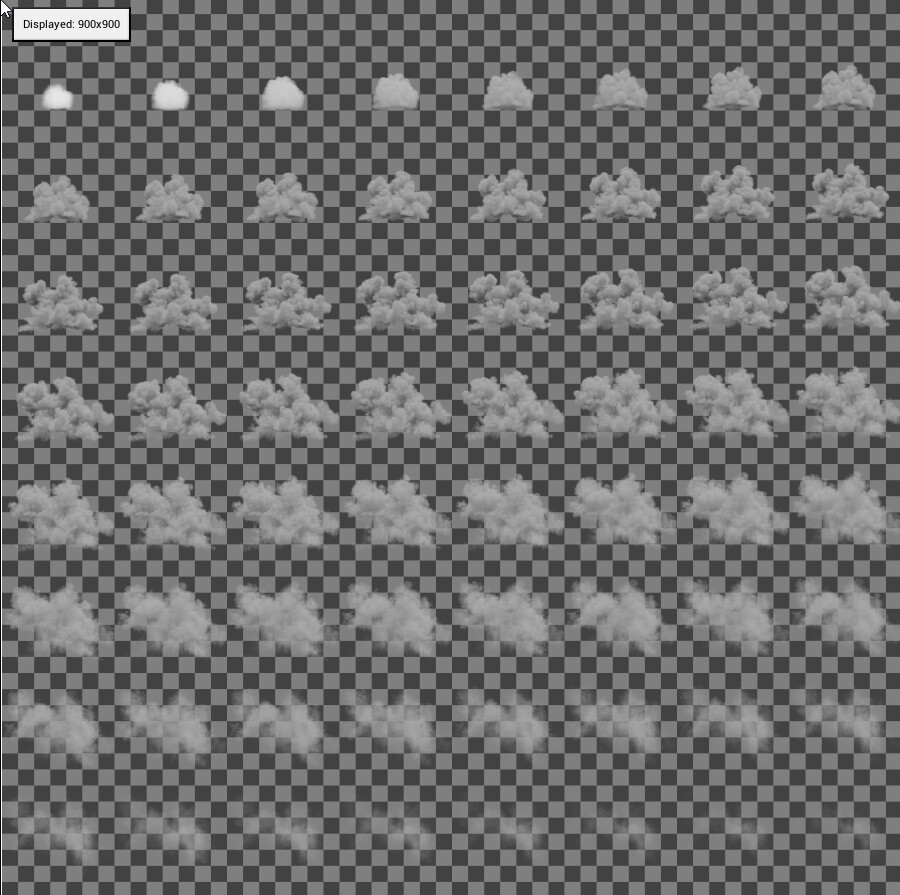
2nd texture is composed of 3 channels. Here is colour and alpha - I store colour in red channel. Colour is little lifeless cuz It cannot disturb lightning data. Most of shadows are AO + little light from above.
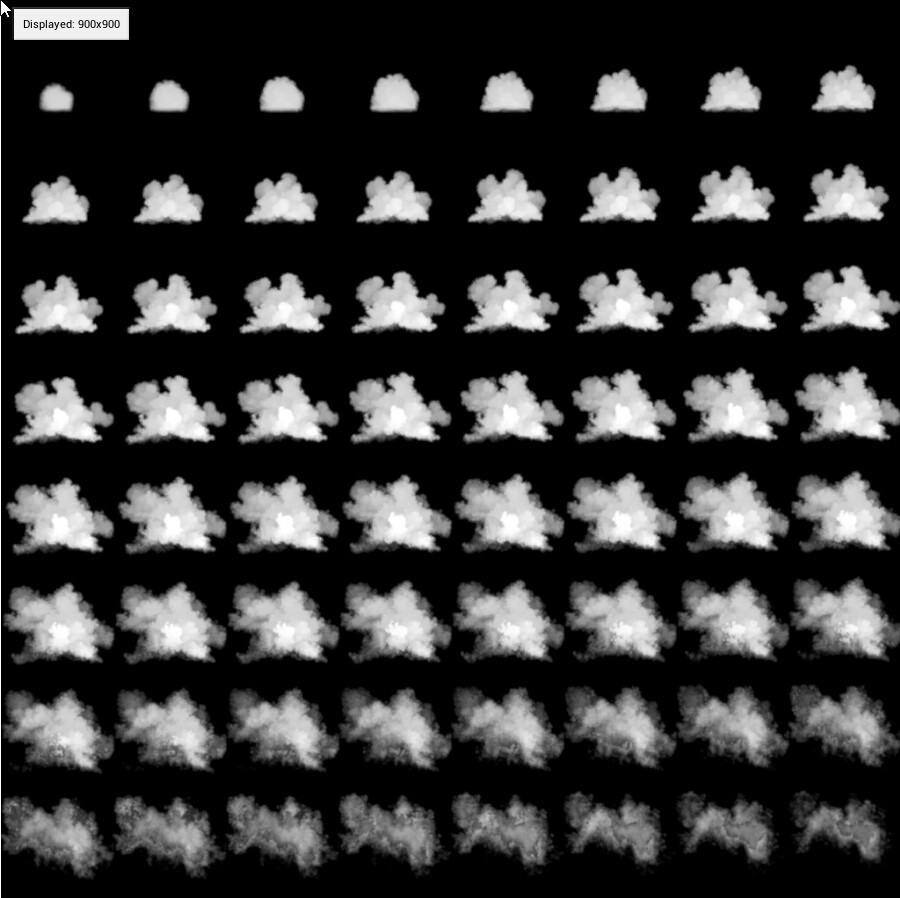
This is still 2nd texture. This is height-map of smoke. I use it to construct simple normals in world space.

Part of shader with motion vectors - mf_SubUV-UV is in previous tutorial.

2nd part of shader.

3rd part of shader- here I calculate normals from middle of sprite to every point. Then I am adding heightmap value multiplied by camera vector.. After normalizing I am adding simple light. LightLow is value of backlight. LightHigh is value of front light

4th part of shader. I combine whole shader and adding colour and Intensity

Here is additional wrinkle. Smoke needs to be darker inside of whole effect. That is why I am lowering light values that are near root of my effect. In larger setup I would use middle of ball of smoke to add this shadowy bottom.

Here is script to calculate distance from middle of effect. I used it on previous screen

Here is rest of setup. Lower values are in middle on smoke fx. Higher are on borders of it. It is most useful on large scenes
Another example of artificial light on smoke.